In development
Native SSH Terminal
Your servers, a proper terminal. Connect through SSH with host-key verification and a keyboard made for commands.
01
Device validation pendingssh developer@your-serverConnect through SSH, monitor your VPS, manage Docker containers and browse files — from your iPhone, iPad and Mac.
src/ app/ package.json
Interactive product illustration. No real SSH connection.
From your desk to your next idea. A native home for your remote work, shaped for the device in your hands.
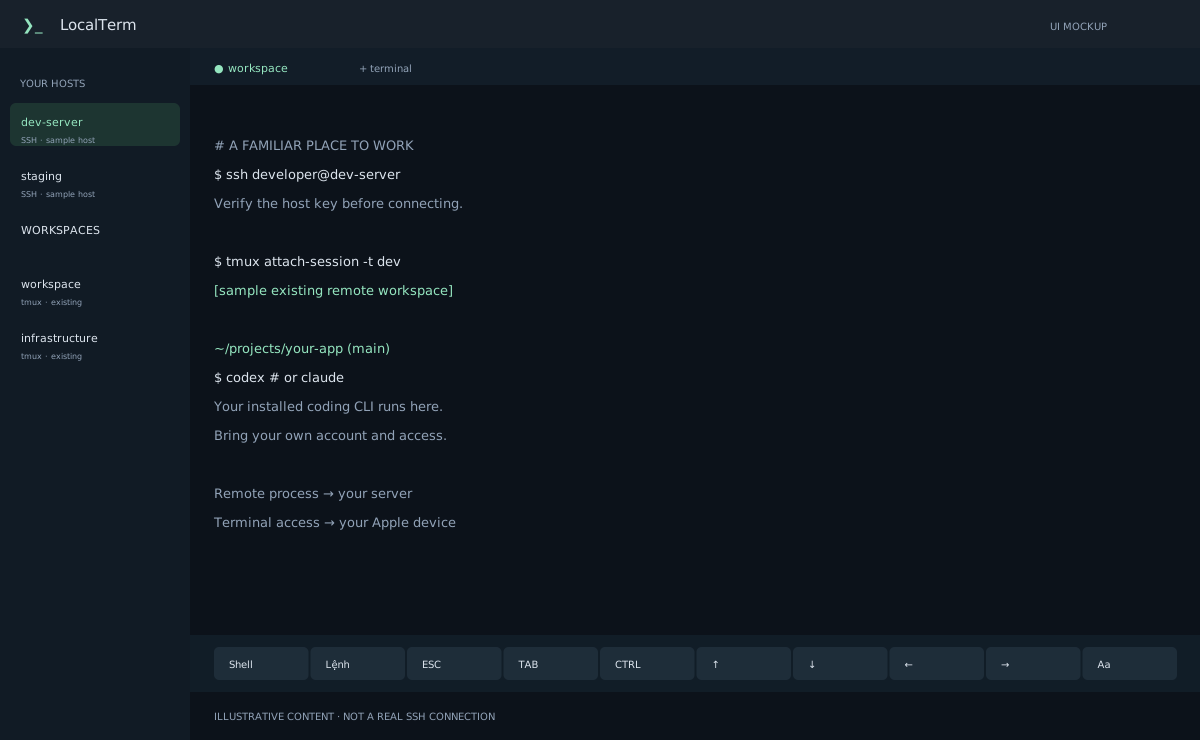
Independent terminal sessions, a native workspace and your remote development tools in focus.
Replaceable UI mockups, not product screenshots. Target OS versions shown; signed builds and device validation remain pending.
Your servers, containers, files and terminal sessions in one native workspace. Monitor resources, inspect Docker and move files without leaving LocalTerm.
Your servers, a proper terminal. Connect through SSH with host-key verification and a keyboard made for commands.
ssh developer@your-serverCheck CPU, memory, disk usage, network activity and uptime from a single server overview.
CPU · RAM · disk · networkFind containers, inspect resource usage, follow logs and open interactive exec tabs beside your terminal.
containers · stats · logs · execBrowse local and remote files, show hidden entries, and queue uploads or downloads with progress, cancellation and retry.
browse · upload · downloadLeave the connection. Keep the work. Attach to an existing tmux workspace without restarting its process.
tmux attach-session -t devKeep your remote coding tools within reach. Launch their CLI on your server and return to its tmux session.
$ codex / $ claudeA shell for each context. Switch between independently owned terminal tabs and saved workspaces.
api · infrastructure · personalGet back to the right workspace with configurable reconnect policies and attach-only tmux recovery.
connection restored → attach existingYour server does the heavy lifting. LocalTerm brings you back to the terminal where your Codex CLI or Claude Code workflow is running.
The connection can pause. Your remote work can continue.tmux keeps processes on your server. iOS may suspend SSH; reconnecting attaches to an existing session. Server restarts or terminated processes cannot be restored.
Use an SSH host you control. Verify its host key before trusting the connection.
ssh developer@your-serverAttach to an existing tmux session on the server, where your project lives.
tmux attach-session -t devRun an installed, authenticated Codex CLI or Claude Code from the remote shell.
codex # or claudeSwitch apps or disconnect. iOS may suspend the SSH connection; tmux keeps the remote process on your server.
SSH can disconnect. tmux stays remote.Reconnect and attach to the same existing session. Nothing is automatically relaunched.
tmux attach-session -t devNative controls, familiar navigation and a terminal experience shaped for touch and keyboard.
Move between servers, tools and sessions without turning your workflow into a collection of workarounds.
Connect to hosts you control. App credentials stay in device Keychain; remote work stays with your server.
Help shape a better remote development companion. Join for beta and launch updates — no release date or invitation is guaranteed.